Minnesota state seal

Online notary in Minnesota

Minnesota requires separate authorizations for electronic in-person and remote online notarization. RON registration does not follow automatically from eNotary authorization.

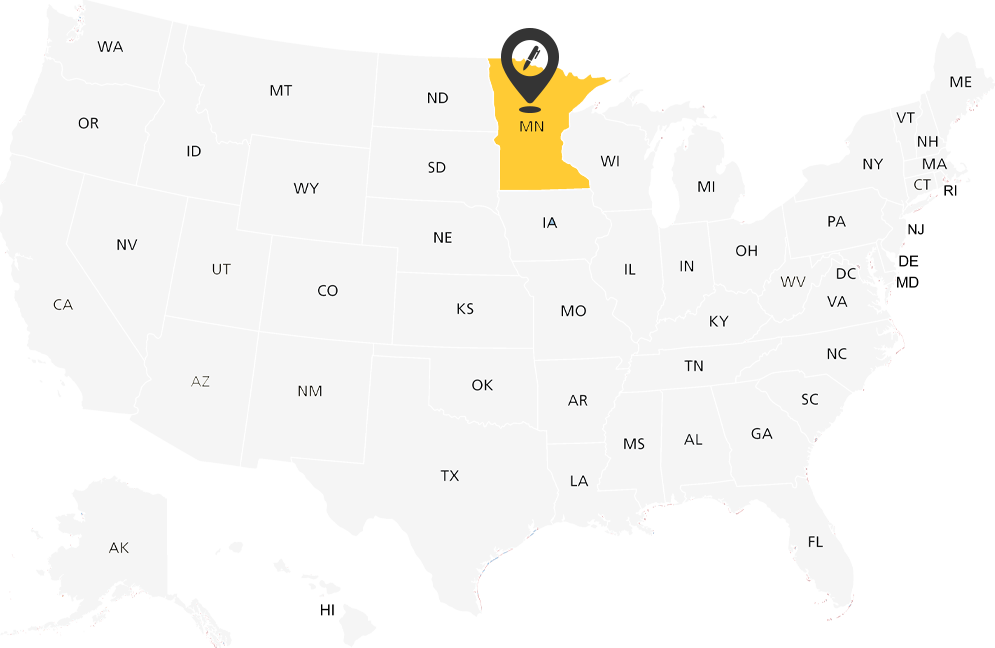
Map of Minnesota

Minnesota notary requirements

Responsible office: Minnesota Secretary of State.

State authorization and ONC account setup are separate. The guidance below covers the named requirements; use the linked official instructions for your application and the particular notarial act.

Register remote capability separately

Hold an active Minnesota commission and complete the required county registration before notarial acts: residents register in their county of residence; nonresidents use the county designated on the commission. The commission guide lists a $20 county registration fee. Register RON capability separately with the Secretary and certify compliant technology; E and RON authorizations themselves have no state filing fee.

Identity and records

For RON, §358.645 describes personal knowledge or the combination of a qualifying government credential, credential analysis and identity proofing. Keep a secure electronic journal, recording and protected backups for at least ten years after the transaction or proceeding. A written repository agreement must meet the statute.

Distinguish the two methods

An electronic in-person notary still meets the signer physically. A remote notary uses qualifying communication technology and the required remote certificate notation. Keep the seal and journal under the notary’s exclusive control.

Location, documents and acceptance

The notary must be physically in Minnesota. A signer outside the United States must meet the statute’s U.S. proceeding/entity, property or substantially connected transaction condition and foreign-law restriction.

A signer’s residence does not by itself determine a notary’s authority. An eligible out-of-state notary’s service is a separate question from a locally commissioned notary’s authority. Ask the document recipient about acceptance, witnesses, originals and recording requirements before scheduling.

Official requirements and application resources

ONC setup

Confirm the current provider requirements and ONC setup for your commission with support before purchasing a plan or submitting provider details to the state.

State education, platform training, insurance, credentials and subscription charges serve different purposes. Confirm the current ONC onboarding materials, supported digital-certificate issuers and any account upload requirements with support. A PKI digital certificate, an electronic signature, an electronic seal and a completed notarial certificate are distinct items.

ONC’s remote workflow uses identity verification and live audio-video communication. The permitted identity methods depend on the applicable state rules and supported workflow; KBA is not every state’s only lawful method. A platform journal or storage service does not remove the notary’s custody, retention, backup or access duties. Confirm arrangements for exports and records after account closure before relying on the service.

Confirm ONC Setup

ONC pricing

ONC subscription and transaction charges are separate from government application fees, state education, bonds, insurance and digital credentials. Confirm state eligibility and the supported workflow before purchasing.

Notary Essentials is also shown at checkout: $14.95 per month, billed annually at $179.40. Confirm its current transaction terms with support before choosing a plan.

Compare Notary Professional, Teams and Enterprise plans.

Notary Professional

$19.95Per month, billed annually
$239.40 annual subscription

Professional RON transactions: $9.95 per document, including one seal and one signer. Additional seals: $4.00 each. Additional signers: $4.00 each.

These RON transaction charges are additional to the subscription. Confirm IPEN and eSignature access and charges separately. Review the billing cycle, total charge and renewal terms at checkout.

Confirm Eligibility

Notary Enterprise

Custom pricing

Discuss your organization’s notaries, eligible jurisdictions, transaction volume and workflow.

Contact Us

Minnesota notary FAQs

What is the remote-notary process in Minnesota?

Minnesota requires separate authorizations for electronic in-person and remote online notarization. RON registration does not follow automatically from eNotary authorization.

How long does the Minnesota authorization last?

Unless terminated, remote registration continues while the current underlying commission remains valid. Renew and maintain the relevant registration rather than assuming eNotary authorization or an ONC subscription renews RON authority.

Can a signer be outside Minnesota?

The notary must be physically in Minnesota. A signer outside the United States must meet the statute’s U.S. proceeding/entity, property or substantially connected transaction condition and foreign-law restriction.

Does an ONC plan authorize me to notarize remotely?

No. State commissioning, any required remote or electronic authorization, and the applicable provider requirements are separate from an ONC subscription. Confirm the workflow with support before purchasing a plan.

Here to help with your workflow

Confirm notary eligibility, document requirements and ONC setup before getting started.

Contact Us